Template
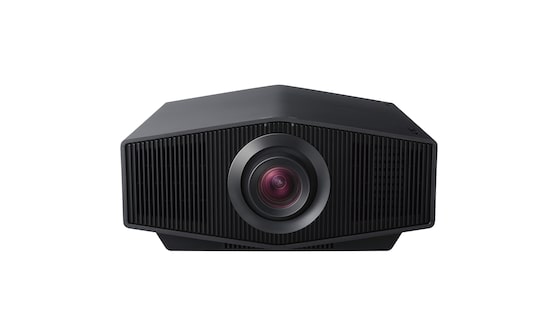
Sony Projector Network Control
Content languageEnglish
Description
Set the projector IP in the virtual output parameters. Authentication needs to be turned off in the projector web interface.
Inputs and outputs · 18
| Name | Type | Command | Unit |
|---|---|---|---|
| Power On | VirtualOut | power "on"\r\n | |
| Power Off | VirtualOut | power "off"\r\n | |
| Up | VirtualOut | key "up"\r\n | |
| Down | VirtualOut | key "down"\r\n | |
| Left | VirtualOut | key "left"\r\n | |
| Right | VirtualOut | key "right"\r\n | |
| Menu | VirtualOut | key "menu"\r\n | |
| Enter | VirtualOut | key "enter"\r\n | |
| Return | VirtualOut | key "return"\r\n | |
| TV Bright | VirtualOut | key "picmode1"\r\n | |
| TV | VirtualOut | key "picmode2"\r\n | |
| Game | VirtualOut | key "picmode6"\r\n | |
| Cinema 1 | VirtualOut | key "picmode3"\r\n | |
| User | VirtualOut | key "picmode4"\r\n | |
| Reference | VirtualOut | key "picmode5"\r\n | |
| Photo | VirtualOut | key "picmode7"\r\n | |
| Cinema 2 | VirtualOut | key "picmode8"\r\n | |
| Cinema Bright | VirtualOut | key "picmode9"\r\n |
Ratings and comments
No ratings or comments yet.
Log in to rate, comment or ask a question. Log in