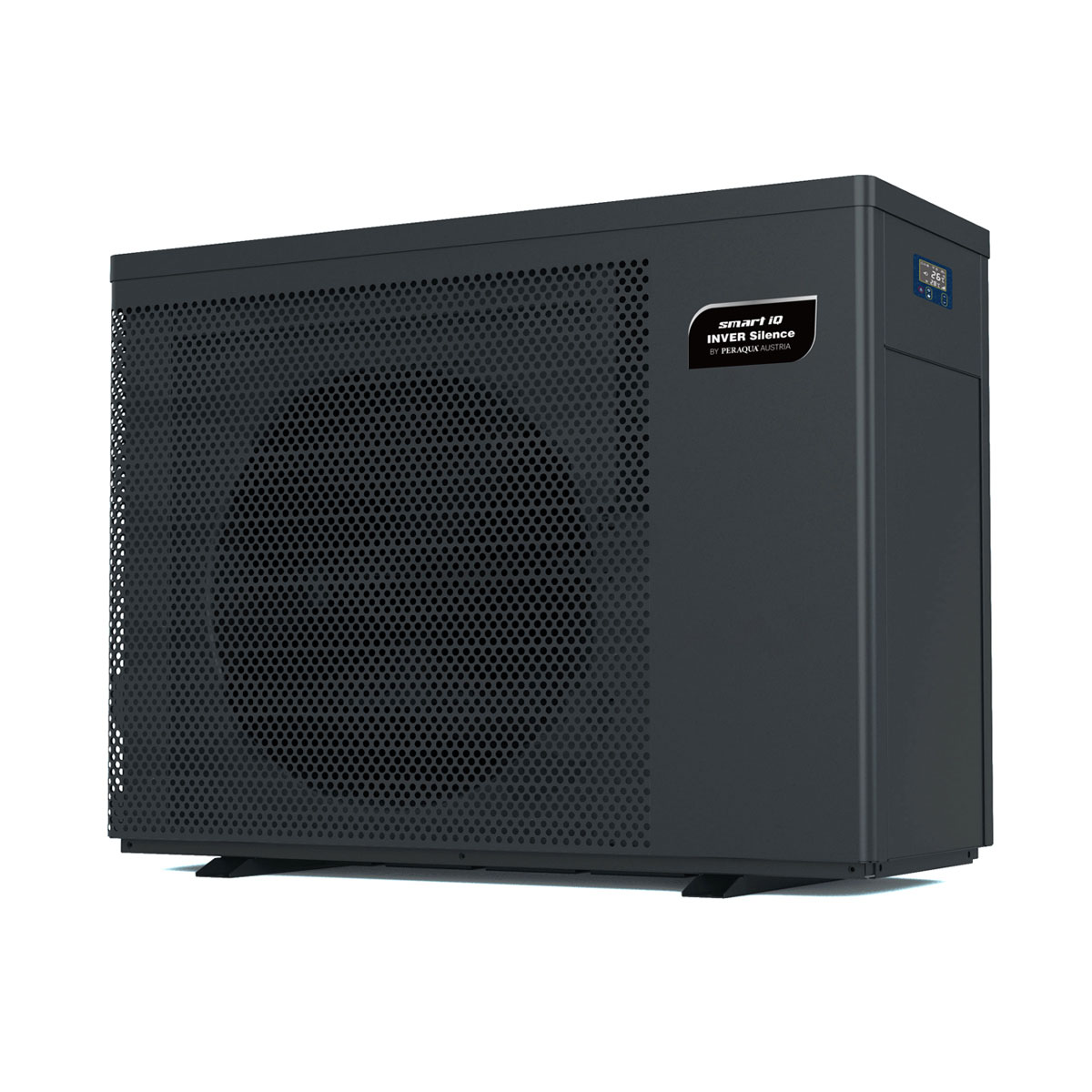
Smart Heat Pump iQ Inver Silence, Full Inverter Technology
Content languageEnglish
Description
Full inverter heat pumps are equipped with variable speed compressors. Depending on the energy demand and the surroundings conditions the speed of the compressor will be increased or decreased. The temperature of the pool water is automatically adjusted to the set value thanks to the heating, cooling or automatic mode. The Smart full-inverter heat pump Plus is Modbus capable and perfectly integrable to the Loxone Smart Home or iQnnect system.
FUNCTIONS
- heats or cools the pool water based on the settings in the app - measures acutal, target and exit temperature - setting periods of time when the pump should not operate (ex. at night)
INTERFACE
- connection of heat pump with Modbus extension works with a special connection cable (Modbus-connection cable with 4-pole plug).
ONE POOL. ONE SYSTEM. ONE SMART HOME APP. The iQntrol SALT-MODBUS is part of the iQnnect pool system. iQnnect by Peraqua is an exquisite range of intelligently networked pool components for a fully automatic and device-controlled pool. The pool technology components are integrated into the system and linked with one another using Modbus, DMX, AO, or similar extensions. This enables many functions to be controlled in just one app.
More on heat pump More on Peraqua
Inputs and outputs · 58
| Name | Type | Unit |
|---|---|---|
| 0 Power | Modbus | |
| 304 Water outlet temperature(AIN2) | Modbus | <v> |
| 200 mode selection 1 | Modbus | <v> |
| 202 Temp setting under Auto mode | Modbus | <v> |
| 204 Temp setting under Cooling mode | Modbus | <v> |
| 300 Percentage of speed | Modbus | <v.1> |
| 203 Temp setting under Heating mode | Modbus | <v> |
| 201 mode selection 2 | Modbus | <v> |
| 315 Lower limit of setting temp of auto mode | Modbus | <v> |
| 316 Upper limit of setting temp of auto mode | Modbus | <v> |
| 317 Lower limit of setting temp of heating mode | Modbus | <v> |
| 318 Upper limit of setting temp of heating mode | Modbus | <v> |
| 319 Lower limit of setting temp of cooling mode | Modbus | <v> |
| 320 Upper limit of setting temp of cooling mode | Modbus | <v> |
| 12 Switch on_off | Modbus | |
| 11 Defrosting | Modbus | |
| 48 E0 | Modbus | |
| 49 E1 | Modbus | |
| 50 E2 | Modbus | |
| 51 E3 | Modbus | |
| 52 E4 | Modbus | |
| 53 E5 | Modbus | |
| 54 E6 | Modbus | |
| 55 E7 | Modbus | |
| 56 E8 | Modbus | |
| 57 E9 | Modbus | |
| 58 EA | Modbus | |
| 59 EB | Modbus | |
| 61 ED | Modbus | |
| 64 P0 | Modbus | |
| 65 P1 | Modbus | |
| 66 P2 | Modbus | |
| 67 P3 | Modbus | |
| 68 P4 | Modbus | |
| 69 P5 | Modbus | |
| 70 P6 | Modbus | |
| 71 P7 | Modbus | |
| 72 P8 | Modbus | |
| 73 P9 | Modbus | |
| 74 PA | Modbus | |
| 80 F0 | Modbus | |
| 81 F1 | Modbus | |
| 82 F2 | Modbus | |
| 83 F3 | Modbus | |
| 84 F4 | Modbus | |
| 85 F5 | Modbus | |
| 86 F6 | Modbus | |
| 87 F7 | Modbus | |
| 88 F8 | Modbus | |
| 89 F9 | Modbus | |
| 91 FB | Modbus | |
| 303 Inlet water temp | Modbus | <v> |
| mode selection 1 (0-Auto, 1-Heating, 2-Cooling | Modbus | <v> |
| Power | Modbus | |
| Temp setting under Heating mode | Modbus | <v> |
| Temp setting under Cooling mode | Modbus | <v> |
| Temp setting under Auto mode | Modbus | <v> |
| mode selection 2 (0-Normal, 1-silence, 2-Super silence) | Modbus | <v.1> |
FAQ
No questions have been answered yet.
Questions and answers
device address change
OpenHello, I have two heat pumps and I would like to change the address of the device, can you advise me how to do it. Thank you
1 reply
Hello Gabriel, for the following motherboards MWH366, MWH367 and MWH381 the address can be changed as follows:
Register adress: 200 Register content: slave machine number Range: 1~16 Step: 1 Default: 1 Remark: Example: Communications are in hexadecimal Read slave number: FF 03 00 C8 00 01 YY YY Modify slave number: FF 06 00 C8 XX XX YY YY XXXX: the slave number to be modified, YYYY: the check digit
Example of modifying the slave number to 10 FF 06 00 C8 00 0A 9D ED Note: No slave number modification function for programs prior to 12 August 2022
Hope, this will help you. Best regards, Peraqua
Peraqua Wärmepumpe über Modbus
OpenHallo,
ich habe mir extra eine Peraqua Wärmepumpe für meinen Poll gekauft bei Loxhome24. Da diese angeboten wird das sie per Modbus über Loxone gesteuert werden kann. Jetzt gibt es auch eine Vorlage einen smart inverter Wärmepumpe einzufügen über Modbus. Leider nirgends eine Beispielkonfiguration wie auf Ihrer Webseite zu sehen. Könnten Sie mir bitte die Konfiguration zur verfügung stellen?
Es geht hier um die Konfiguration wie auf den Bildern abgebildet.
Gruß Stephan
1 reply
Hallo Stephan,
die Wärmepumpen von Peraqua lassen sich wunderbar mit LOXONE über ModBus RTU steuern, dass ist korrekt. Zur technischen Anbindung sind dafür auch Files in der Loxone Library verfügbar. Das gleiche gilt auch für viele andere Hersteller von ModBus Geräten, eine fertige Programmierung für die Loxone Config ist leider jedoch nicht verfügbar. Wenn das von Loxone so vermittelt wird (lt. deinem Link) tut uns das leid, liegt jedoch nicht in unserem direkten Einflussbereich. Wir unterstützen dich gerne bei der Einbindung der Wärmepumpe ins Loxone System. Melde dich dazu einfach gerne bei uns. Danke
Fehler E5 bei Peraqua Wärmepumpe - Smart Full Silence 10,3 kW
OpenOhne Anschluss an die Modbus-Extension läuft die Pumpe über die Handy-App fehlerfrei.
Wenn ich aber das Modbus-Kabel anstecke, bekomme ich den Fehlercode E5 (=Kein Fehler, Stromversorgung übersteigt den Betriebsbereich) sowohl am Display, auf der Handy-App und in der Loxone-App. Bis zur Fehlermeldung (einmal nach 1 Minute, manchmal nach 20 Minuten) bekomme ich viele Daten fehlerfrei in der Loxone-App und in der Config mit LiveView angezeigt.
Ich verwende das 4-polioge Original-Kabel (über Badshop gekauft) ohne Schirm und die Gesamtlänge bis zur Loxone Extension beträgt ca. 5 Meter
Bisher versucht: Mit und ohne Abschlusswiderstand 120 Ohm
SG, Erich Holzinger
No replies
Log in to rate, comment or ask a question. Log in
Ratings and comments
No ratings or comments yet.
Log in to rate, comment or ask a question. Log in