Motion Blinds (Inputs)
Content languageEnglish
Description
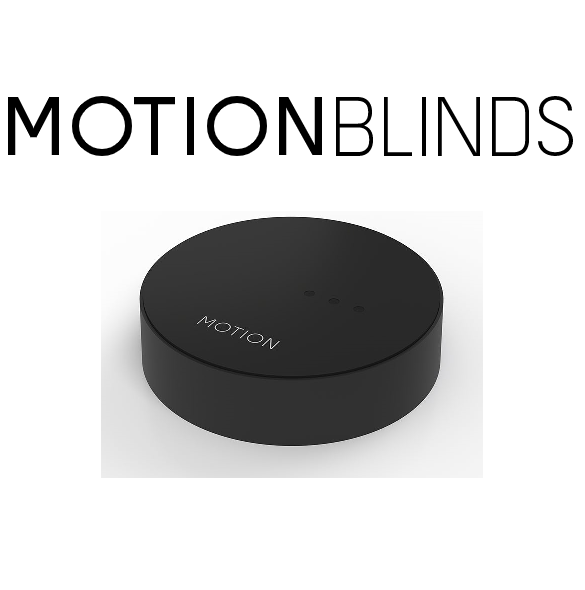
Motion Blinds have solutions for wireless control of the blinds and offer also battery powered blind solutions. This makes it ideal for new and retrofit buildings regarding to blinds. The wireless Motion Blinds can be connected to the buildings network using the Motion Wifi Bridge. The bridge makes it also possible to control the blinds by the Loxone system. The connection between the bridge and Loxone is done by UDP network communication.
You are able to open, close and stop the blinds in every position you want. It is even possible to set the blind to a specific position. In addition you get information back from the blinds such as Battery percentage, position, etc. This makes it possible to get informed by notifications. Also see the following links. Most documents are in NL at the moment, but will be translated from time to time.
- https://www.loxone.com/nlnl/producten/zonwering/motionblinds/ - https://www.loxone.com/nlnl/kb/motion-blinds-integratie-via-udp/ - https://motionblinds.com/nl/smart-home-connectiviteit/loxone/ - https://view.publitas.com/motion-blinds/manual_user_motion_cm-20/page/1?_ga=2.60471789.1175412586.1628083620-1510867495.1628083620
FAQ
No questions have been answered yet.
Questions and answers
Demo file Motion Blinds integration with Loxone.
OpenDear,
Is there a Loxone demo config file available? I followed the tutorial below but the blinds are not working all the time for some reason.
https://www.loxone.com/nlnl/kb/motion-blinds-integratie-via-udp/
Thanks!
2 replies
Hello Breght,
The demo config file is availbe in additional dowloads in this template. Make sure you are using the unixtimestamp in the communication so that the values gets bigger in the communication this causes the most problems
Hello Breght,
The demo config file is availbe in additional dowloads in this template. Make sure you are using the unixtimestamp in the communication so that the values gets bigger in the communication this causes the most problems
Always getting an acction Result "Access Token error"
OpenDear Dennis,
I´m always getting an action Result "Access Token error". I have completed the AES decryption as outlined and have entered the token, MAC address, and device ID as instructed. Could you please advise where I should investigate the issue, or provide brief assistance via email or remote support if possible?
Thanks.
No replies
New CM 55 hub
OpenDoes this also work with the new CM-55 hub? The supplier let's me know that the old one is out of production.
Thanks,
Tim
No replies
Log in to rate, comment or ask a question. Log in
Ratings and comments
No ratings or comments yet.
Log in to rate, comment or ask a question. Log in