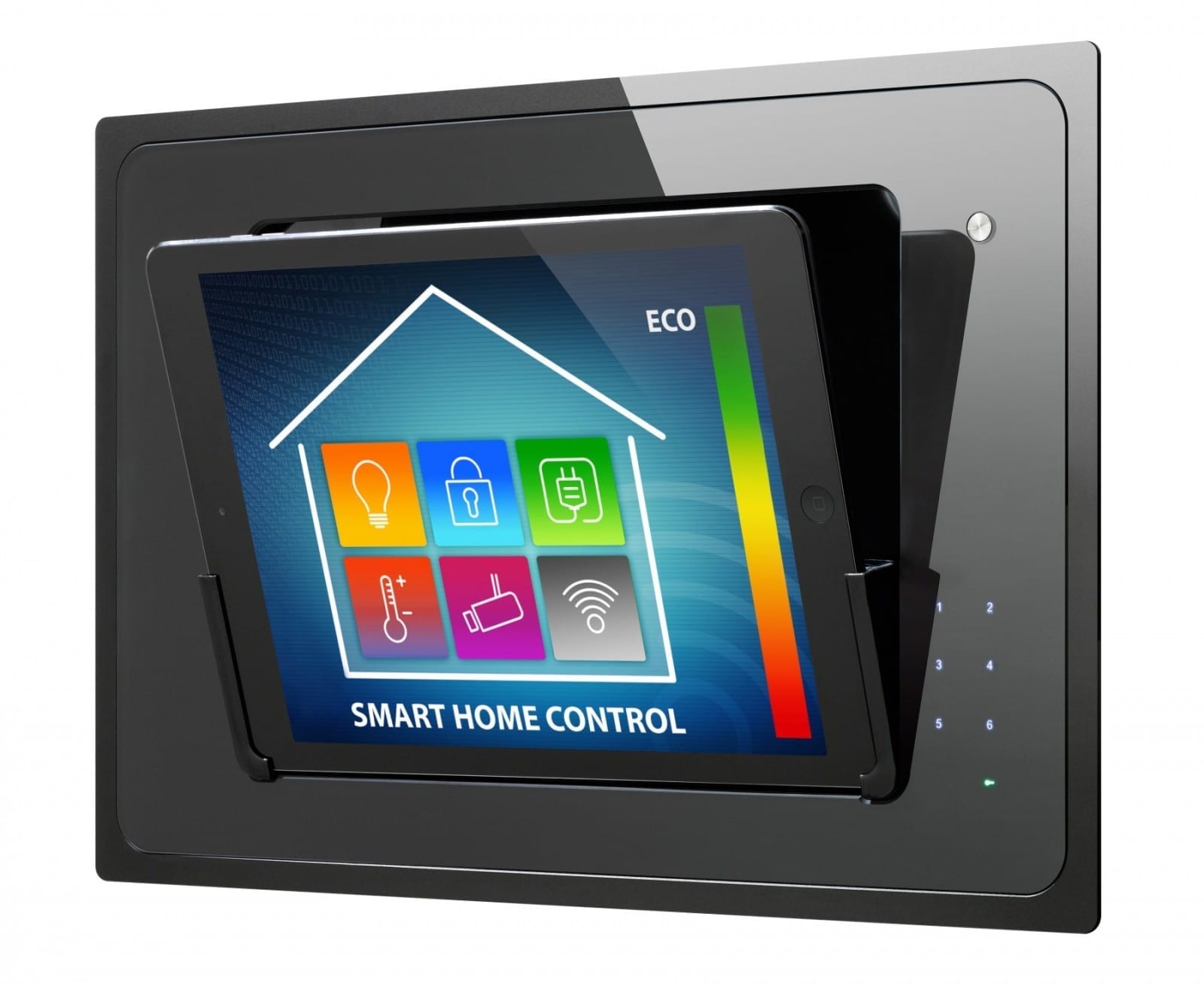
iRoom iDock Controller
Description
Using the iRoom Controller you can integrate your dock products from iRoom into your Loxone home. For further info on iRoom products click here. The inputs and outputs of iRoom network devices can be integrated via the network interface. In order to insert an iRoom controller, first select “Network devices” in the peripheral tree, then the “Add network devices” button appears at the top of the screen in the ribbon. A drop-down menu opens and you can select and insert the iRoom controller.
In the properties of iRoom Controller, you can enter the Network Address. The default port for communication is 13601 it will automatically be appended to the entered address so there is no need to add this manually yourself.
The operation and installation instructions for the iRoom devices can be found here.
Ratings and comments
No ratings or comments yet.
Log in to rate, comment or ask a question. Log in