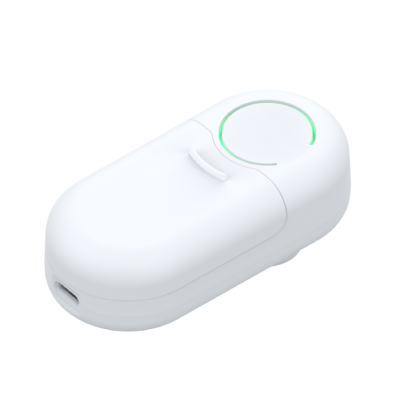
HomeWizard Watermeter
Content languageEnglish
Description
With this template you will be able to read the HomeWizard Watermeter data via WiFi. You will be able to read the active flow and the total usage sinds installing the water meter.
The way this device works is it reads the pulses from the watermeter as water flows through. The virtual input will be an absolute reading from the date of installation.
The Local API should be enabled on the watermeter; In the HomeWizard Energy app: Go to Settings > Meters > ''Your meter'', and enable Local API.
Product information can be found: Here. Advanced API documentation: Here.
Inputs and outputs · 3
| Name | Type | Command | Unit |
|---|---|---|---|
| Wi-Fi Strength | VirtualInHttp | \i"wifi_strength":\i\v | <v.1> |
| Total Liter (m3) | VirtualInHttp | \i"total_liter_m3":\i\v | <v.1> |
| Active Liter LPM | VirtualInHttp | \i"active_liter_lpm":\i\v | <v.1> |
FAQ
No questions have been answered yet.
Questions and answers
Values not visible in Loxone
OpenIn the energy app I can read the use of water but not in Loxone, I have actived Local API in the settings of the meter and filled in the correct IP address.
1 reply
Hi, The template is working. Make sure you set the IP address to the one assigned to the HomeWizard Watermeter, not the P1 meter.
Log in to rate, comment or ask a question. Log in
Ratings and comments
No ratings or comments yet.
Log in to rate, comment or ask a question. Log in