Template
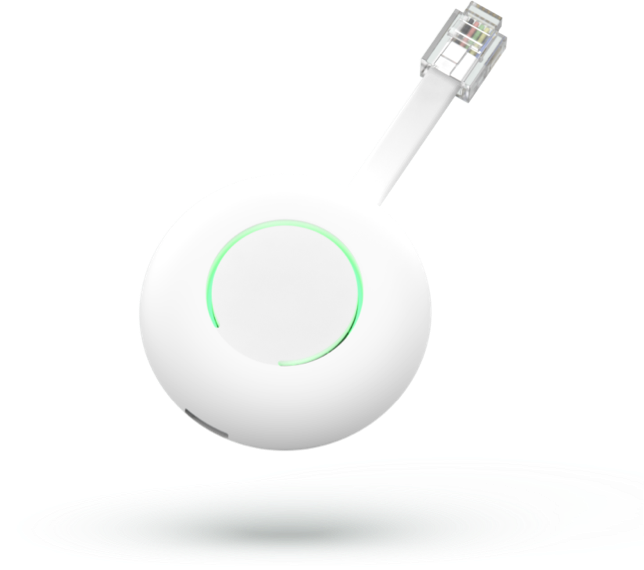
Homewizard P1 meter
Content languageEnglish
Description
The Homewizard Wi-Fi P1 Meter connects to the P1 port of a digital electricity meter and exposes a Web API that can be used to connect the meter to Loxone. The Local API should be enabled on the meter; In the HomeWizard Energy app: Go to Settings > Meters > ''Your meter'', and enable Local API. More information about the device can be found here.
Example configuration:
Inputs and outputs · 12
| Name | Type | Command | Unit |
|---|---|---|---|
| Smartmeter Version | VirtualInHttp | \i"smr_version":\i\v | |
| Wi-Fi Strength | VirtualInHttp | \i"wifi_strength":\i\v | |
| Power Import Counter 1 | VirtualInHttp | \i"total_power_import_t1_kwh":\i\v | |
| Power Import Counter 2 | VirtualInHttp | \i"total_power_import_t2_kwh":\i\v | |
| Power Export Counter 1 | VirtualInHttp | \i"total_power_export_t1_kwh":\i\v | |
| Power Export Counter 2 | VirtualInHttp | \i"total_power_export_t2_kwh":\i\v | |
| Total Active Power | VirtualInHttp | \i"active_power_w":\i\v | |
| Active Power Fase 1 | VirtualInHttp | \i"active_power_l1_w":\i\v | |
| Active Power Fase 2 | VirtualInHttp | \i"active_power_l2_w":\i\v | |
| Active Power Fase 3 | VirtualInHttp | \i"active_power_l3_w":\i\v | |
| Gas | VirtualInHttp | \i"total_gas_m3":\i\v | |
| Gas Timestamp | VirtualInHttp | \i"gas_timestamp":\i\v |
FAQ
No questions have been answered yet.
Questions and answers
Water Meter
Openhi,
i notice in the API i can see my water usage in m3 , could you maybe update your content so Water can be read also ?
thanks
No replies
Montly peak
OpenCan you update the template so the montly peak is in the template.
No replies
Log in to rate, comment or ask a question. Log in
Ratings and comments
Tim Schut
Rated 5 of 5★★★★★
Excellent!
Log in to rate, comment or ask a question. Log in