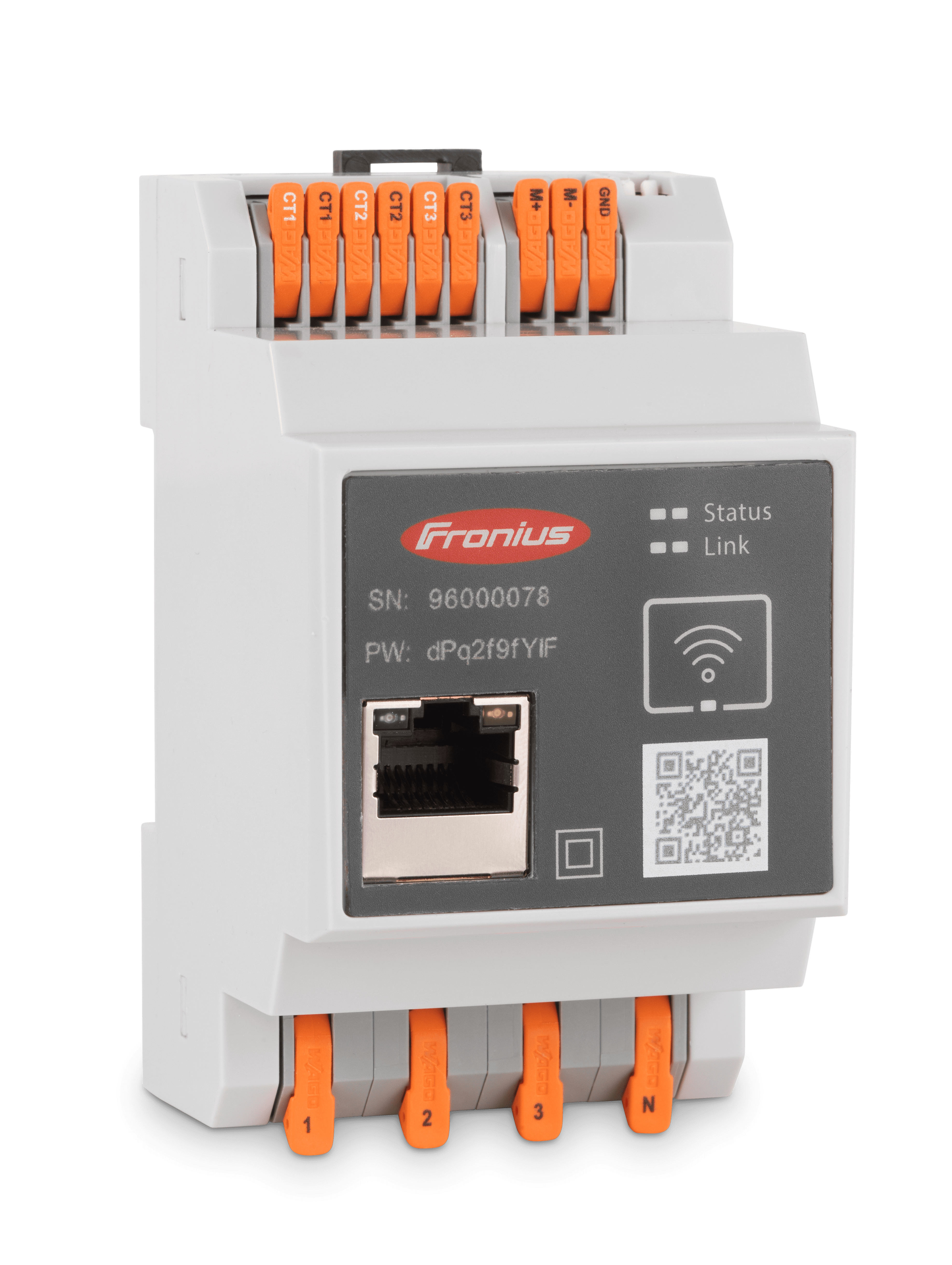
Fronius Smart Meter IP
Content languageEnglish
Description
If you have a Loxone Miniserver Gen. 2 you can directly integrate Fronius devices via the Fronius plugin in Loxone Config. This allows for quick and easy integration of Fronius components, which are automatically detected on the network. Communication settings on the GEN24 and SnapINverter are configured automatically after entering the technician or service password. Please note: any existing integration (via these templates or direct) must be deactivated or removed before using the plugin.
For systems using the Loxone Miniserver Gen. 1 and Miniserver Go (Article Number 100139), the following integration is available.
The Fronius Smart Meter IP provides the following data:
- Total active power over all phases [W] - Active power on phase A [W] - Active power on phase B [W] - Active power on phase C [W] - Current on phase A [A] - Current on phase B [A] - Current on phase C [A] - Imported active energy [Wh] - Exported active energy [Wh]
For commissioning details please refer to attached "Fronius Smart Meter IP.pdf" / Fronius Smart Meter IP_Eng.pdf.
Please note that if the Fronius Smart Meter IP is used without another Fronius device (inverter or Wattpilot), no Solar.web connection is possible.
Inputs and outputs · 9
| Name | Type | Command | Unit |
|---|---|---|---|
| P_sum | VirtualInHttp | <p id="W">\v | kW |
| P_L3 | VirtualInHttp | <p id="WphC">\v | kW |
| P_L1 | VirtualInHttp | <p id="WphA">\v | kW |
| P_L2 | VirtualInHttp | <p id="WphB">\v | kW |
| EnergyFromGrid | VirtualInHttp | <p id="TotWhImp">\v | kWh |
| EnergyToGrid | VirtualInHttp | <p id="TotWhExp">\v | kWh |
| A_L3 | VirtualInHttp | <p id="AphC">\v | A |
| A_L1 | VirtualInHttp | <p id="AphA">\v | A |
| A_L2 | VirtualInHttp | <p id="AphB">\v | A |
Ratings and comments
No ratings or comments yet.
Log in to rate, comment or ask a question. Log in