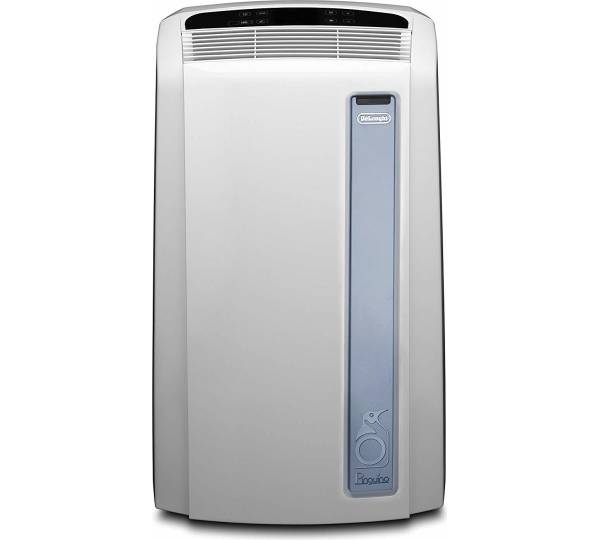
DeLonghi PAC AN97 Real Feel
Content languageEnglish
Description
This template combined with the IR-Control function block let you have the control over the following functions:
- On/Off - Operation mode - Target temperature - Fan speed
Connect the output "CMD" from the template to the TQ Output of the IR-Control function block. Use the following IR-Command:
C:11010010 V3:18:01100;19:11100;20:00010;21:10010;22:01010;23:11010;24:00110;25:10110;26:01110;27:11110;28:00001;29:10001;30:01001;31:11001;32:00101; C:0 V4:0:00;1:10;2:01;3:11; V1:0:0;1:1 V2:0:00;1:10;2:01; C:000000011000000000000
IR-Control input description:
- AQ1: I/O - AQ2: Operation mode (0=Cool, 1=Dry, 2=Fan) - AQ3: Target temperature (18-23°C) - AQ4: Fan speed (0=Auto, 1-3=Manuell)
The example file shows how it can be used with the "Intelligent Room Controller" and "Room Ventilation Controller"
Inputs and outputs · 1
| Name | Type | Unit |
|---|---|---|
| CMD | RCkey |
Ratings and comments
No ratings or comments yet.
Log in to rate, comment or ask a question. Log in